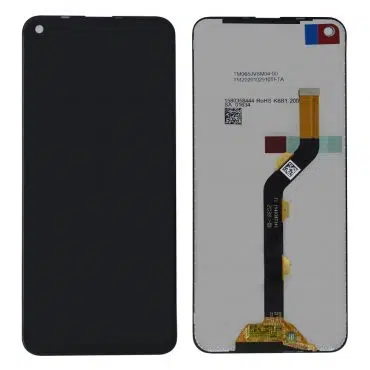
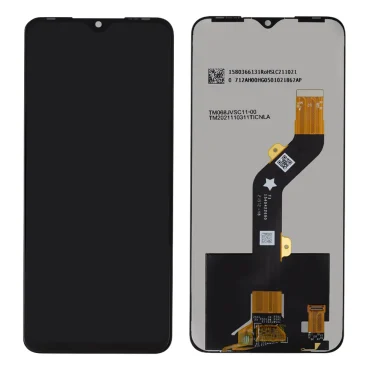
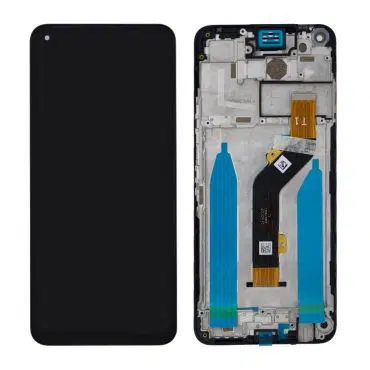
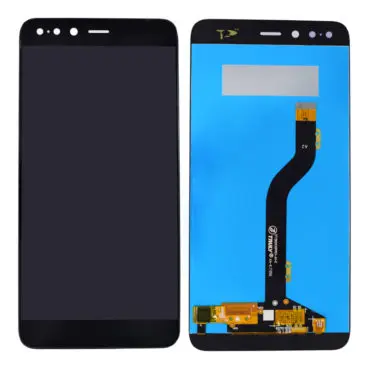
Download Touch LCD Baba App From Google Play Store and Get 15% Instant Discount.


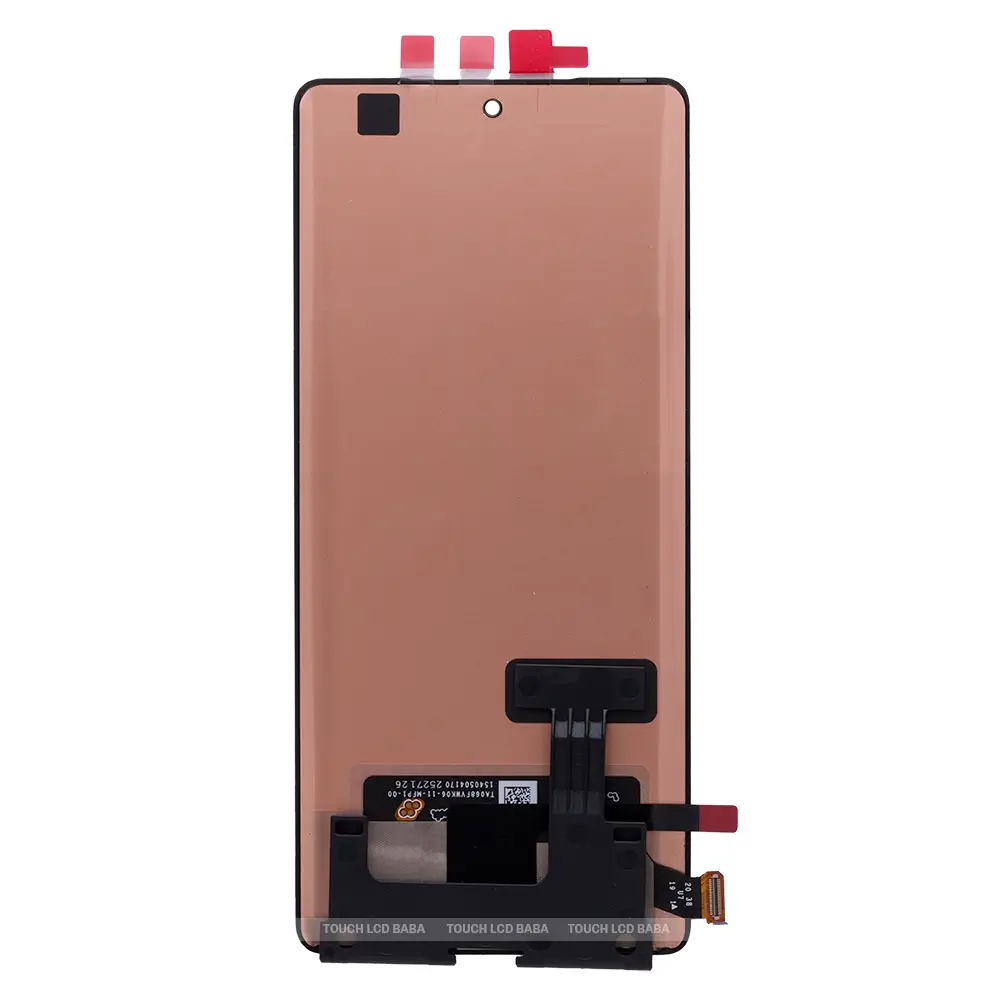
₹4,590.00
In stock

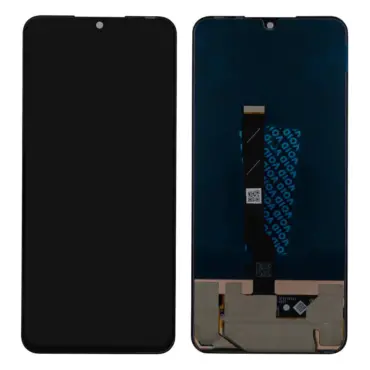
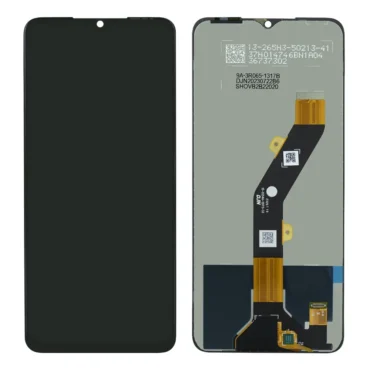
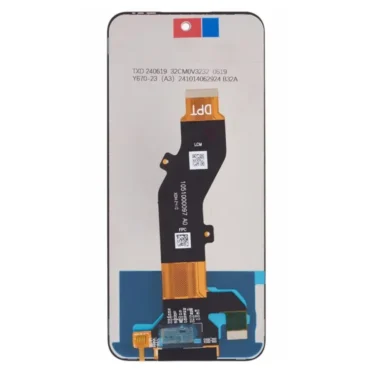
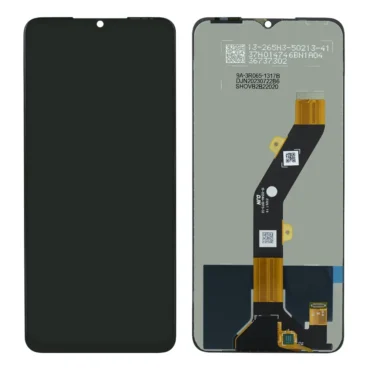
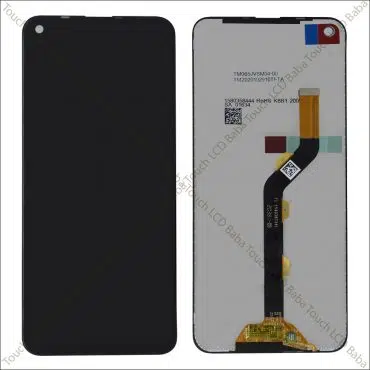
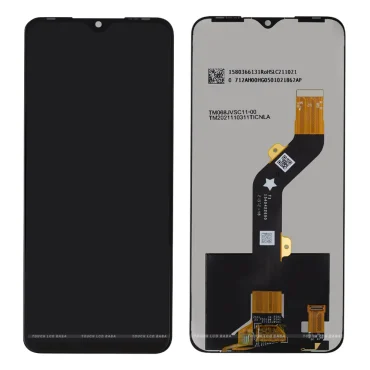
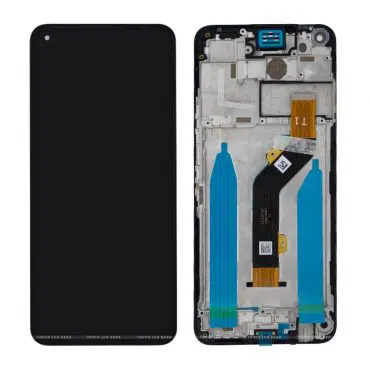
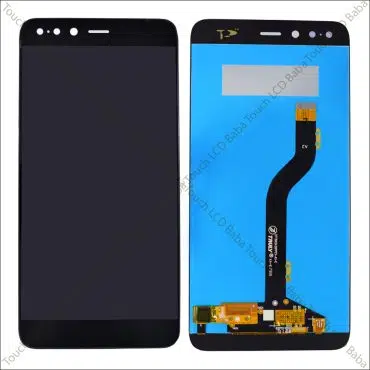
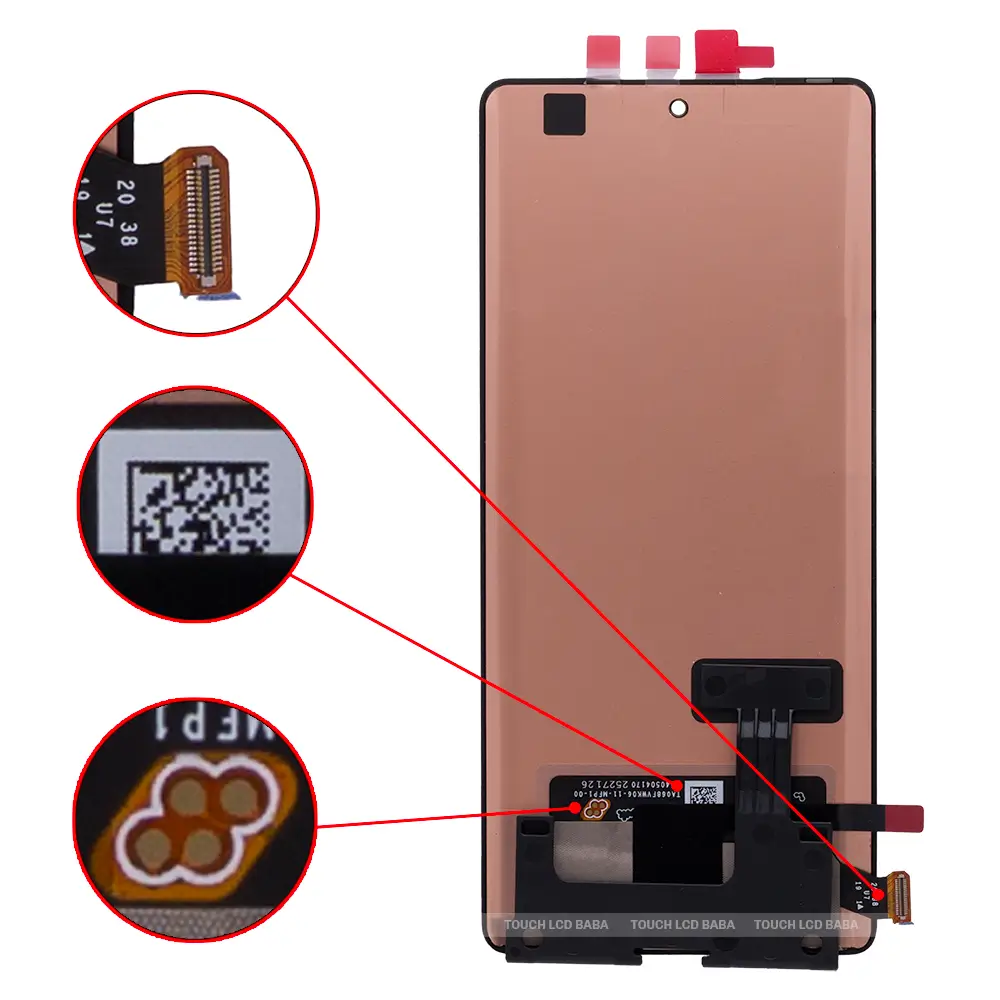
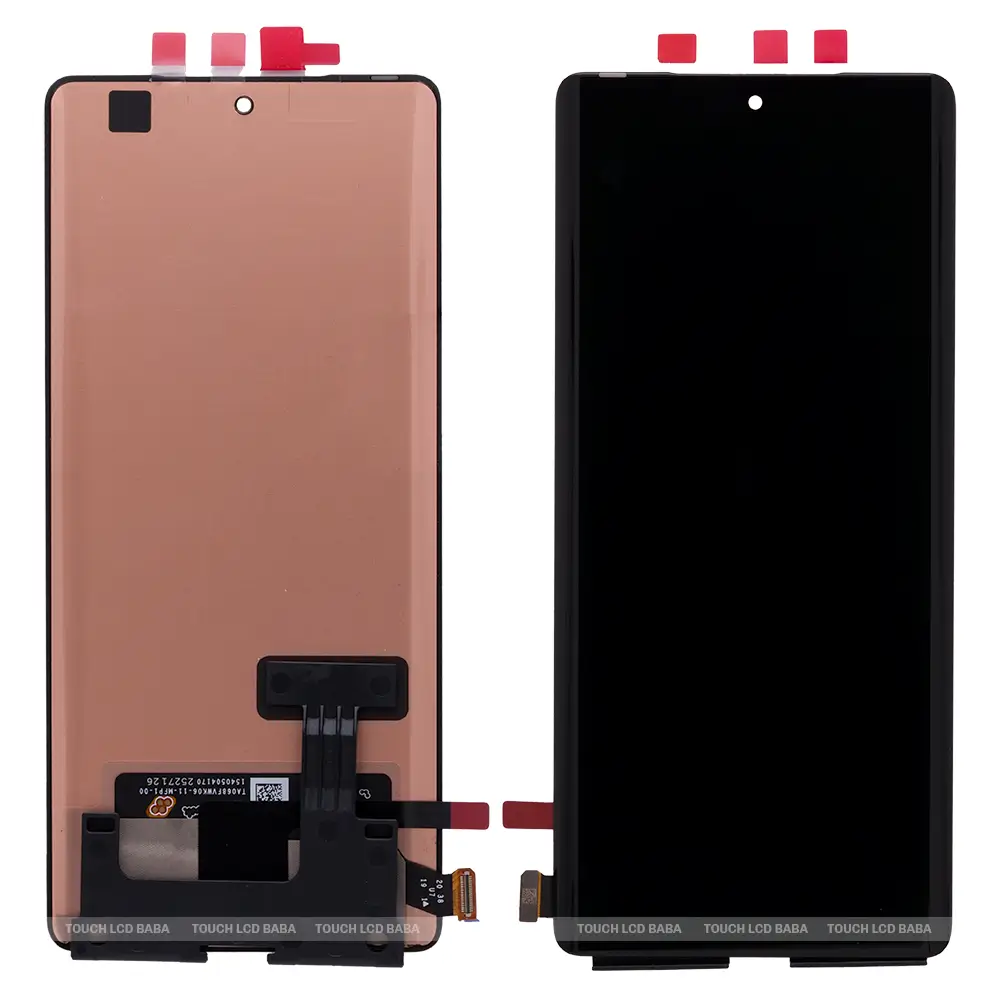
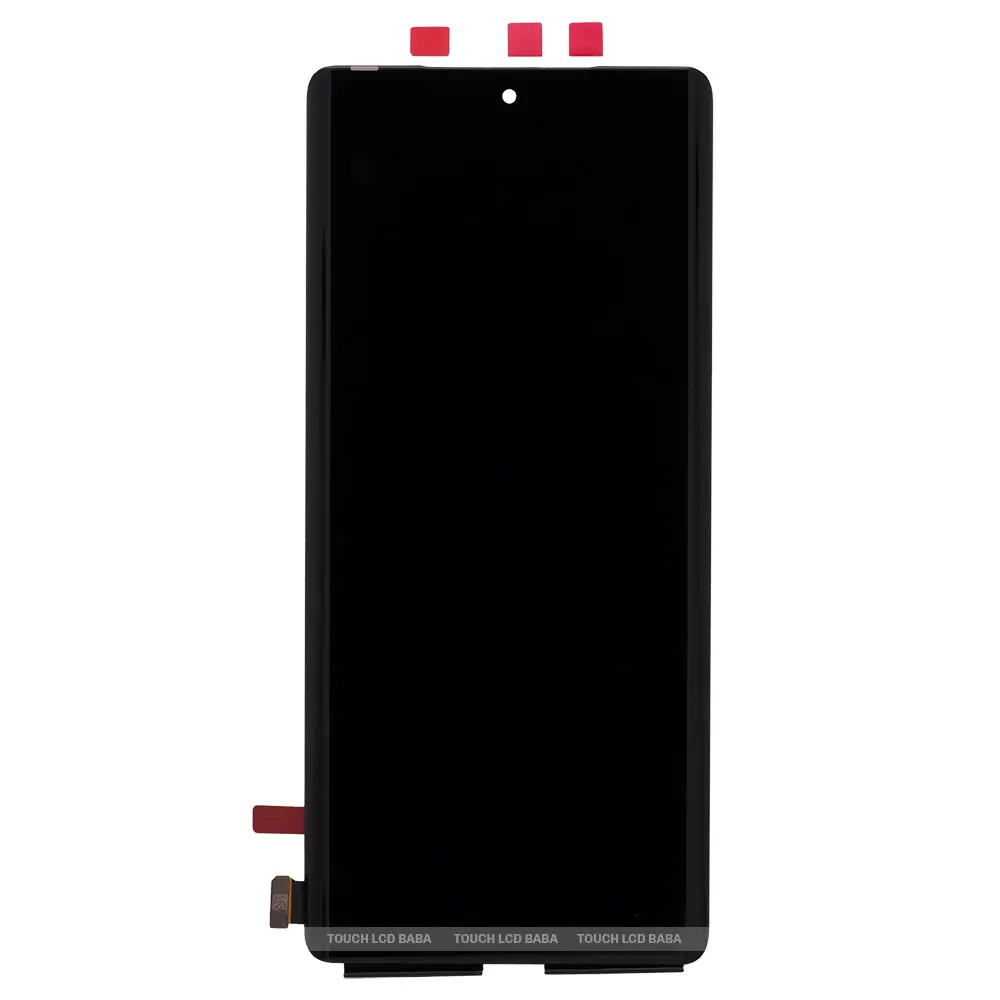
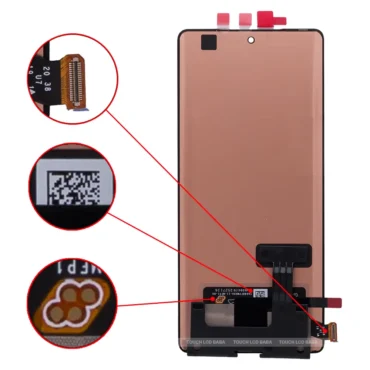
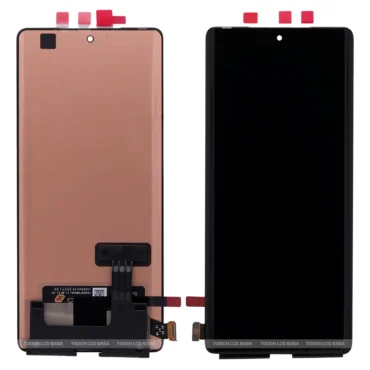
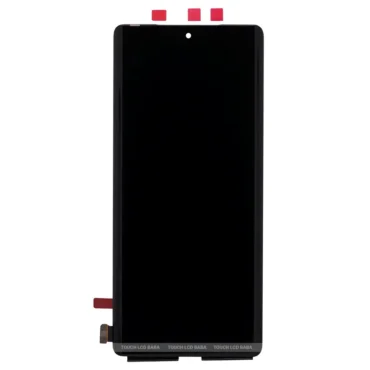
If your Infinix Note 40 Pro Plus screen is broken or not responding, this AMOLED display replacement is the perfect solution. The Infinix Note 40 Pro Plus combo features an AMOLED display and a touchscreen glass, both bonded using LOCA (Liquid Optical Clear Adhesive). If your display is cracked, unresponsive, blank, bleeding, or flickering, purchase a new combo to restore your phone.
| Package Contents | |
| In The Box | 1 Piece of Original Infinix Note 40 Pro Plus Display Combo/ Folder |
| Display Condition | Brand New |
| Display Specifications | |
| Display Quality | 100% Original. |
| Display Size | 6.78″ |
| Display Type | Full HD+ LTPS Curved AMOLED with Touchscreen Glass. |
| Display Resolution | 2436 x 1080 Pixels, 120 Hz Refresh Rate |
| Supported Model Name | Infinix Note 40 Pro Plus 5G |
| Supported Model Number | X6851B |
| Touchscreen Glass type | Corning® Gorilla® Glass 5 Protection. |
| Manufacturer | OEM (Original Equipment Manufacturer) |
| Warranty and Returns | |
| Warranty Resolution | Return / Replacement |
| Warranty Coverage | When the display doesn’t work while testing in open conditions. |
| No Warranty Coverage | No returns or replacements after pasting or installation. |
| Return Period | 30 Days. |
| Return Condition | Same as Delivered (No Used Returns) |
| Shipping and Delivery | |
| Delivery Charges | Free Delivery |
| Shipping Time | Within 24 Hours. |
| Standard Delivery Time | 2-4 Working Days. |
| Remote Location Delivery Time | 6-7 Working Days. |
| In-Transit Damage | Covered, Unboxing Video is Mandatory. |
A 100% original AMOLED (OEM) display replacement for the Infinix Note 40 Pro Plus costs around Rs 4,800 to Rs 5,000.
Yes. The new display supports an in-display fingerprint scanner. You can register new fingerprints and use previous ones without any problems.
You can try the new display before installation by following these steps :
After thoroughly testing the new display, you can install it on your phone.
Yes. You can test the new display in an open condition, and if it doesn’t work, you can easily return or replace it. Please note that you can’t replace or return the display after installation.
All our products come with a 30-day return, refund, and replacement guarantee. To return a product, it should be in the same condition as we sent it. Please keep the display in its original condition and refrain from using it if you intend to return it. For complete details about Shipping, Returns, and Warranty, please click here.
| Item Condition | |
|---|---|
| Payment Methods | |
| Ships To | |
| Color |