Download Touch LCD Baba App From Google Play Store and Get 15% Instant Discount.


₹19,500.00
In stock

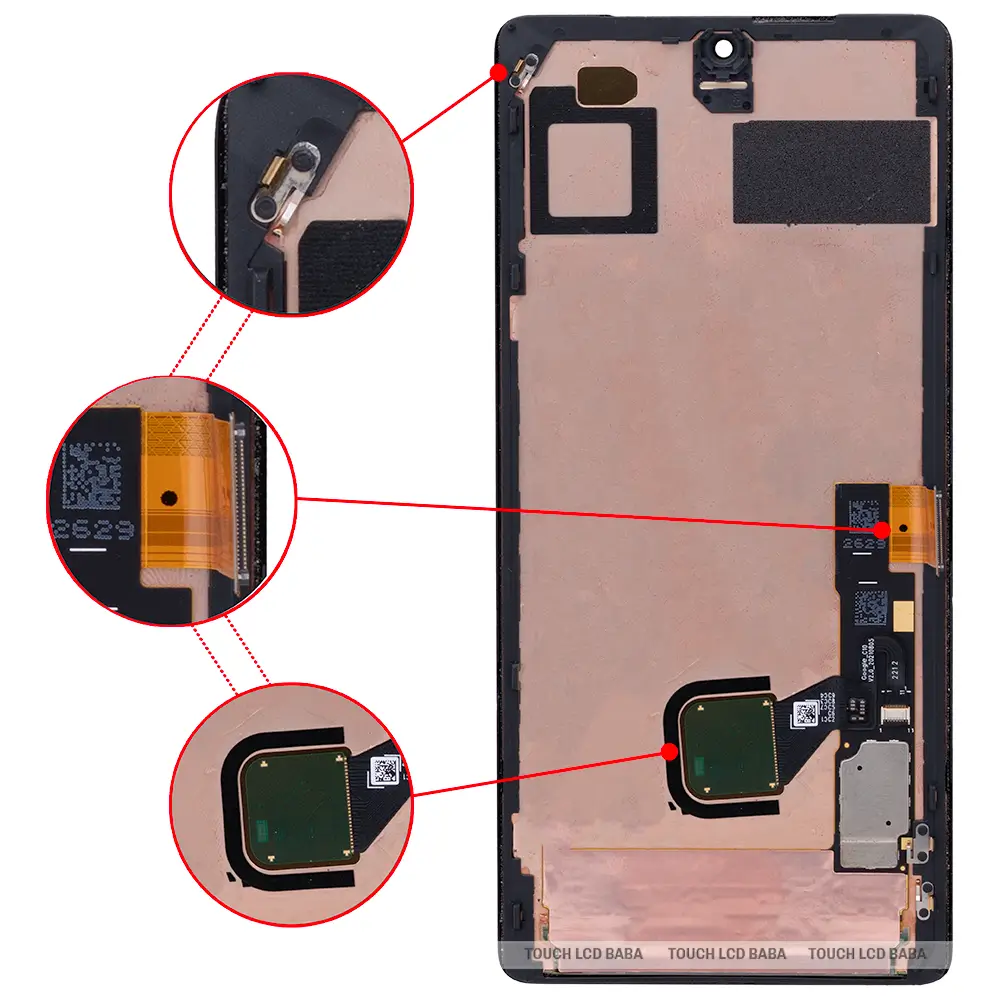
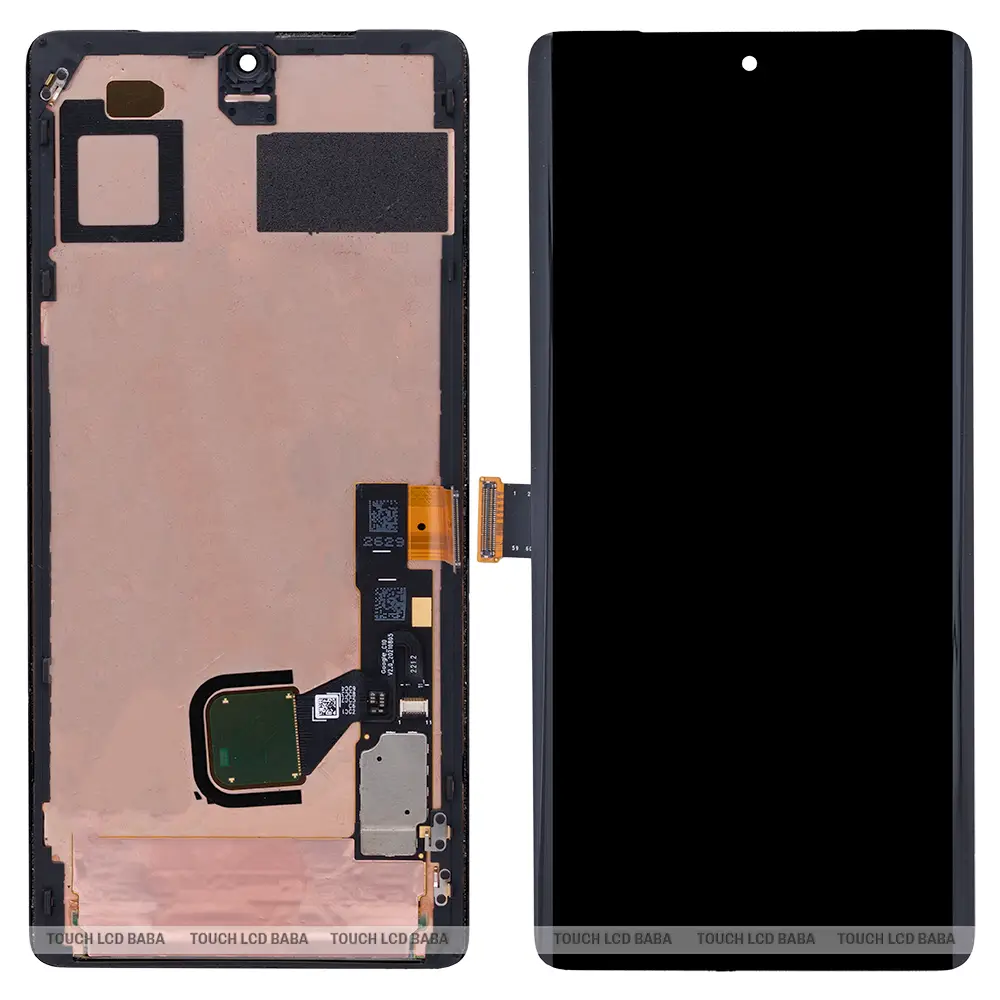
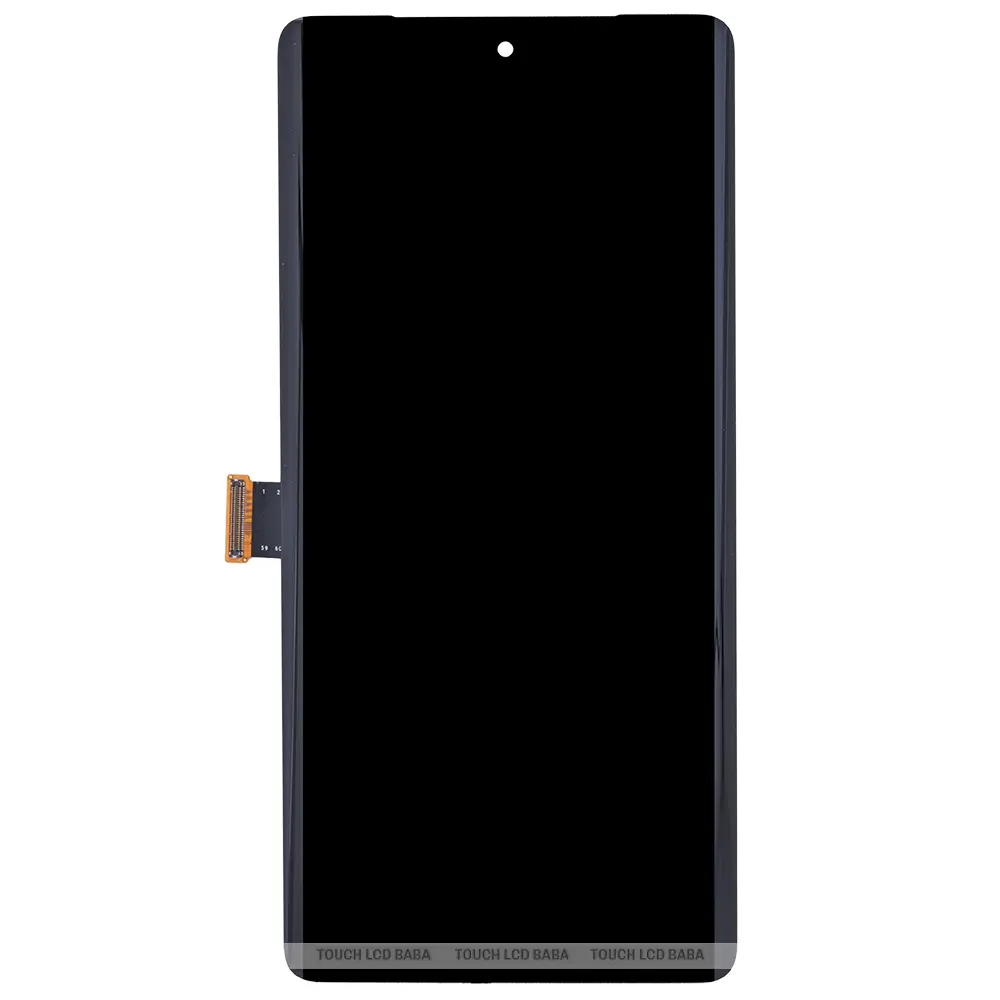
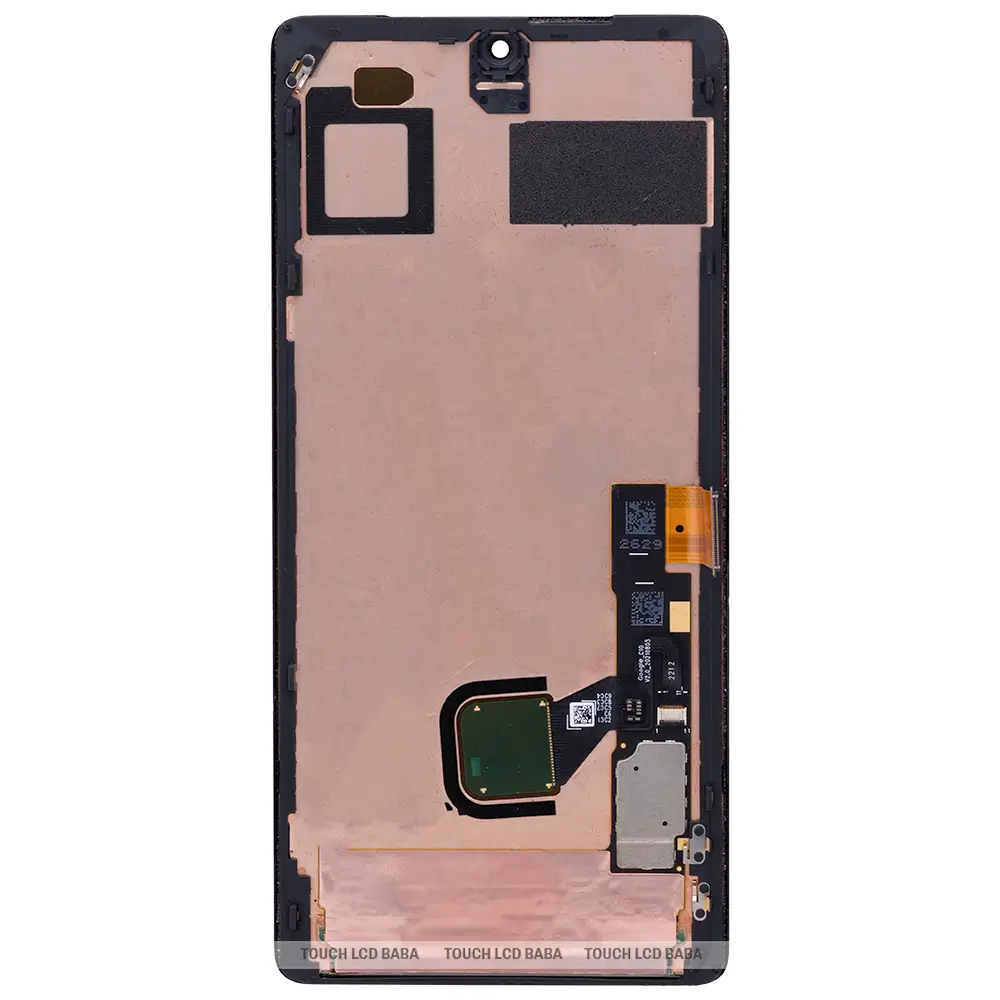
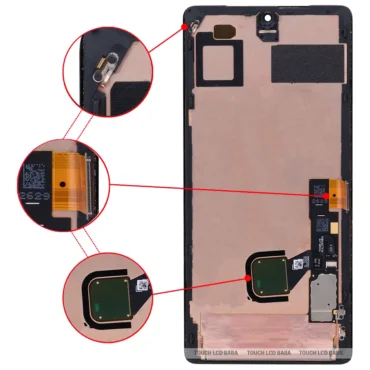
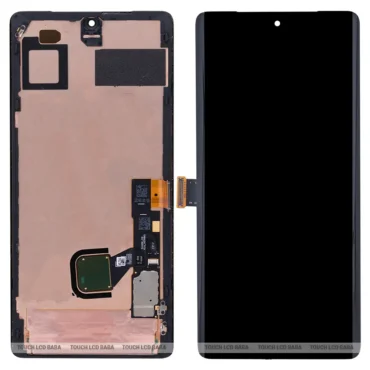
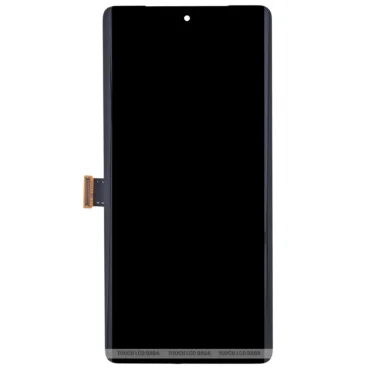
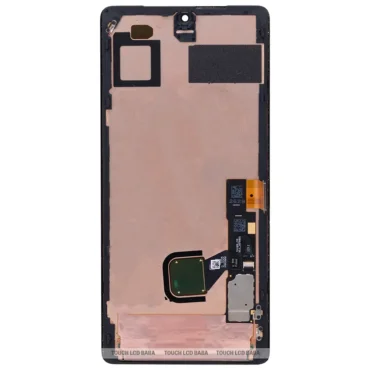
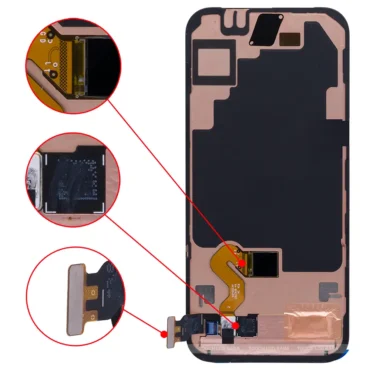
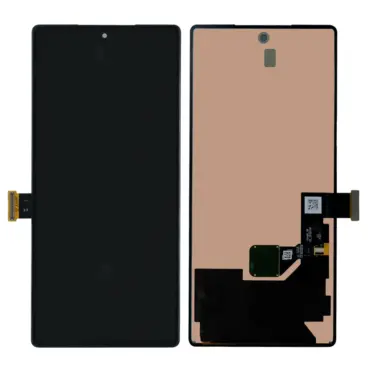
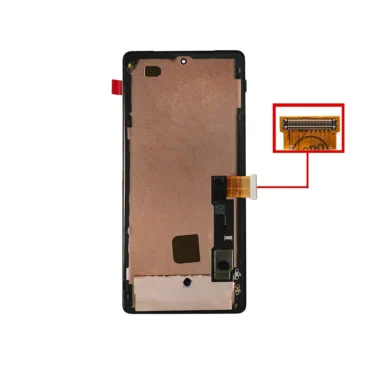
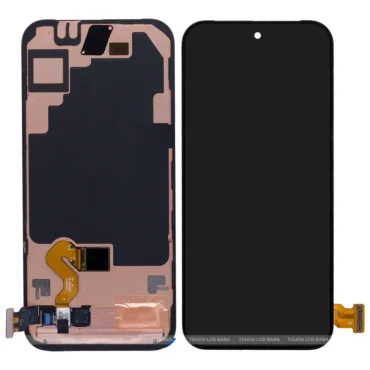
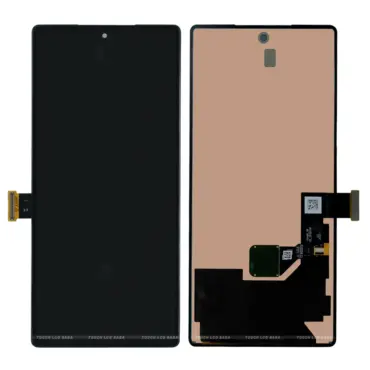
If your Google Pixel 7 Pro OLED display or touchscreen glass is cracked, you can buy a new original display to repair your mobile phone. This 6.70″ LTOP OLED OEM display offers 3120 x 1440 Pixels resolution with 1500 nits of peak brightness.
The Google Pixel 7 Pro combo features an LTPO OLED display combined with touchscreen digitizer glass. For product-related questions, please contact us at 9587954273.
| Package Contents | |
| In The Box | 1 Piece of Original Google Pixel 7 Pro Display Combo/ Folder |
| Display Condition | Brand New |
| Display Specifications | |
| Display Quality | 100% Original. |
| Display Size | 6.70″ |
| Display Type | LTPO OLED, Quad HD+ |
| Display Resolution | 3120 x 1440 Pixels |
| Supported Model Name | Google Pixel 7 Pro |
| Supported Model Number | GP4BC |
| Touchscreen Glass type | Corning® Gorilla® Glass Victus Protection |
| Manufacturer | OEM (Original Equipment Manufacturer) |
| Warranty and Returns | |
| Warranty Resolution | Return / Replacement |
| Warranty Coverage | When the display doesn’t work while testing in open conditions. |
| No Warranty Coverage | No returns or replacements after pasting or installation. |
| Return Period | 30 Days. |
| Return Condition | Same as Delivered (No Used Returns) |
| Shipping and Delivery | |
| Delivery Charges | Free Delivery |
| Shipping Time | Within 24 Hours. |
| Standard Delivery Time | 2-4 Working Days. |
| Remote Location Delivery Time | 6-7 Working Days. |
| In-Transit Damage | Covered, Unboxing Video is Mandatory. |
A 100% original Google Pixel 7 Pro combo costs approximately Rs 16,000-17,000.
Yes! You can use the in-display fingerprint unlocking feature, and higher refresh rates work perfectly with the original spare part available on Touch LCD Baba.
It is an OEM OLED display identical to the one the brand used in a brand-new mobile phone.
You can test the new display before installation by following these two simple steps :
Our replacement policy protects you if the new display doesn’t work upon initial open-condition testing. However, you can’t replace the display after installation.
All our products come with a 30-day return, refund, and replacement guarantee. To return a product, it must be in the same condition we sent it in. You can’t use or fix the new Google Pixel 7 Pro display if you want to return it. For complete details about Shipping, Returns, and Warranty, please click here.
| Color | Black Display For Clearly White Variant, Black Display For Just Black Variant, Black Display For Oh So Orange Variant |
|---|
Only logged in customers who have purchased this product may leave a review.
Reviews
There are no reviews yet.